At a glance
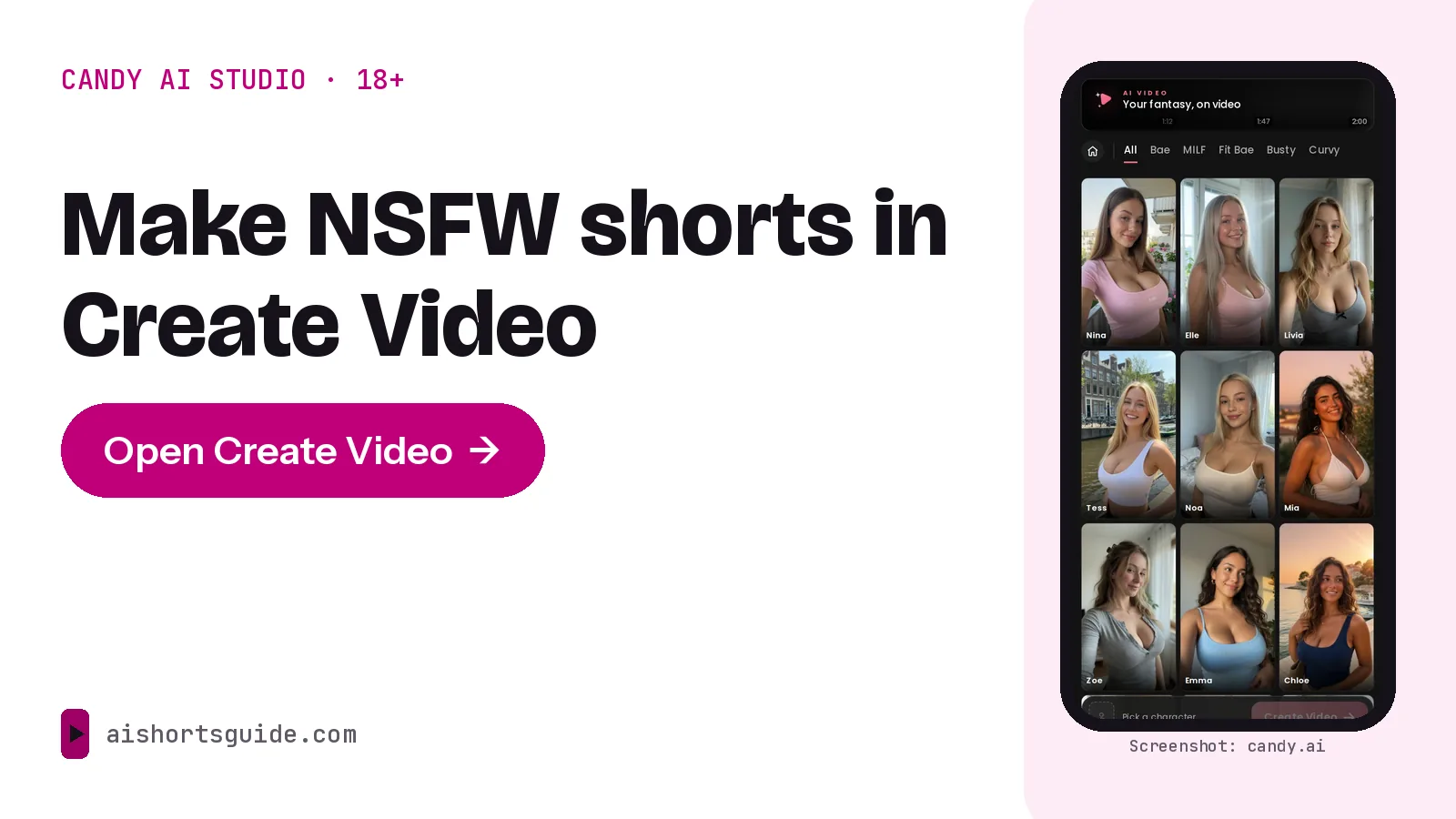
- The tool: Create Video on Candy.ai. You pick a character, set a location, add up to 10 scenes of 5, 10 or 15 seconds, then press Generate Video.
- Cost: 12 tokens for a 5-second scene and 20 tokens for a 10-second scene. Three 10-second scenes cost 60 tokens. The cost of a 15-second scene is not shown publicly.
- Premium: 18+ video generation is a Premium benefit. Premium includes 100 tokens a month and starts at $3.99 a month on the 12-month plan.
- Rules: no real people, nothing resembling minors, no non-consensual intimate imagery. Candy’s terms allow personal, non-commercial use only, and YouTube, TikTok and Instagram restrict or remove sexual content.
- Adults only: generated videos can be explicit. The Candy.ai links here are affiliate links, and we may earn a commission if you subscribe.
What is Candy AI’s video studio?
Candy AI’s video studio is the Create Video page on Candy.ai. Its heading promises your fantasy on video. You choose a character, build a sequence of scenes and generate one video from them. It is a different product from Candy Shorts, which are pre-made series you watch rather than generate.
Candy AI videos from this tool are generated on demand, and Candy’s terms make you responsible for what you generate. Images live in a separate area: the Candy menu lists Generate Image, and 18+ images are a Premium benefit.
“Candy AI NSFW” refers to this adult side of the service. Candy’s plan page lists 18+ videos and 18+ images as Premium benefits, and the whole service is for adults only.
Third-party guides describe Candy video as a prompt-based Live Action mode that runs up to 120 seconds. Candy’s own Create Video page shows a scene builder instead and does not state a total length. We follow the page. Anything that appears only after you log in is marked below, because we have not used a paid account.
How do you make Candy AI videos in Create Video?
These steps follow the public Create Video page and Candy’s plan page. The page opens without an account, but the Generate Video button stays disabled until you pick a character, and registration opens when you try to go further.
- Create an account and choose Premium. Candy lists Generate 18+ Videos as a Premium benefit. Whether a free account can generate any video is not stated publicly.
- Pick a character. The page lists preset characters and a category filter. To use your own, build one with Create Character in Candy’s main menu. Whether custom characters appear in this picker is only visible after login.
- Set the location and partner. The page offers 22 locations, such as Bedroom, Hotel, Rooftop, Spa, Office, Gym and Cabin, and a Partner setting with four options.
- Add up to 10 scenes. The page says 10 scenes is the maximum and that you must remove one to add another. Scenes come from a list of 29 presets. Some are plain movement, such as Walking, Dance or Mirror selfie. Most are explicit, and this guide does not list them.
- Choose each scene’s length. The options are 5, 10 or 15 seconds.
- Check the token total, then press Generate Video. The page says your video arrives in minutes.
What happens next is not visible without an account: the output size and aspect ratio, whether you can download the file, whether it carries a watermark and how long the queue runs. We do not guess at those.
How much does a Candy AI video cost?
The public page code prices every preset the same: 12 tokens for a 5-second scene and 20 tokens for a 10-second scene. The price of a 15-second scene is not published. The formula is 12 tokens times your 5-second scenes plus 20 tokens times your 10-second scenes.
| Video you build | Scenes | Running time | Tokens | Against 100 tokens a month |
|---|---|---|---|---|
| Single test scene | 1 x 5 s | 5 s | 12 | 8 such scenes fit (96 tokens) |
| Short teaser | 3 x 5 s | 15 s | 36 | 2 fit (72 tokens) |
| Three longer scenes | 3 x 10 s | 30 s | 60 | 1 fits, 40 tokens left |
| Five longer scenes | 5 x 10 s | 50 s | 100 | Uses the whole allowance |
| Maximum scenes, short | 10 x 5 s | 50 s | 120 | 20 tokens over |
| Maximum scenes, longer | 10 x 10 s | 100 s | 200 | 100 tokens over |
| Any 15-second scene | 1 x 15 s | 15 s | Not published | Shown only in your account |
A 10-second scene is cheaper per second than a 5-second one. Two 5-second scenes cost 24 tokens, while one 10-second scene costs 20.
Candy’s terms say its moderation controls may alter a request before an output is generated. Whether a blocked or failed generation spends tokens is not stated on any page we could read. Token packs for going over the allowance are priced inside your account. See Candy AI Premium prices and token costs for plans, cancellation and refunds.
What does Premium add?
Candy’s plan page lists Generate 18+ Videos, Generate 18+ Images, unlimited text messages, creating your own AI characters and 100 tokens a month. The US prices are $3.99 a month on the 12-month plan (billed $47.88 once), $8.99 a month on the 3-month plan and $9.99 for the first month on the one-month plan, then $13.99 a month. A single 5-second scene costs 12 of the 100 monthly tokens, so Premium covers a few short videos a month before you need extra tokens. The full price breakdown compares plans and monthly scenarios.
How do you write scene prompts that stay inside Candy’s rules?
The public page shows presets, not a text box. Whether Create Video accepts free text is only visible after login. The rules below apply to any wording you give Candy, including character descriptions and Create Character settings.
What Candy’s Blocked Content Policy bans
The policy bans content resembling minors, with zero tolerance for child exploitation. It bans deceptive impersonation of real people, public figures and celebrities. It bans non-consensual intimate imagery and deepfakes of real persons, illegal content, hate speech, and content that glorifies violence or self-harm. It also says users cannot upload or share content on the service.
How to stay inside the rules
- Write adults as adults. Make every character clearly an adult and avoid any wording that suggests youth. Candy says attempts to generate content resembling minors are flagged, reviewed and removed.
- Invent your characters. Do not name a real person or a celebrity, and do not describe the face of someone you know.
- Keep scenes consensual and free of violence. The policy bans non-consensual intimate imagery and violent content.
- Keep each scene to one idea. Reuse the same character and location across scenes so the video holds together.
- Expect moderation. Candy’s terms say repeated violations can mean deleted content, restricted access or a closed account, and that users are not refunded for moderation actions.
How do you turn a Candy AI video into a vertical short?
Candy’s own Shorts player uses a 9:16 frame, which is the vertical shape short-video apps expect. The Create Video output format is not public, so start by checking the file you get.
- Check the file. Note the aspect ratio and length after generation. If it is not 9:16, plan to reframe it.
- Set a vertical project. In a video editor, use a 1080 x 1920 px canvas and crop or scale the clip to fill it.
- Trim to the strongest moment. A short rewards a quick start, so cut slow openings.
- Add captions and music you have the rights to. Do not use a real person’s voice or likeness.
- Add the AI label where the app asks. TikTok requires a label on realistic AI-generated content, and YouTube asks creators to disclose it.
- Export as MP4.
Where can you post NSFW AI videos?
Not on the big three short-video apps. Their rules, summarized below, cover sexual content whether it is real, animated or AI-generated, and Candy’s own terms add a second limit.
| Where | What the official policy says |
|---|---|
| YouTube | Explicit content meant to be sexually gratifying is not allowed, including dramatized, illustrated, animated and AI content. Less explicit nudity or sexual material may be age-restricted, and repeated violations can lead to channel termination. |
| TikTok | Nudity, sexual activity and sexual services are not allowed. Sexually suggestive behavior by adults is age-restricted and ineligible for the For You feed. Realistic AI-generated content must be labeled. |
| Meta’s Adult Nudity and Sexual Activity standard covers Instagram and removes AI-generated and computer-generated nudity and sexual activity. | |
| Candy.ai terms | The license is for personal entertainment. Using content generated on the platform for commercial purposes of any kind is prohibited, and so is distributing Candy’s intellectual property without authorization. |
Check Candy’s terms before posting anything. Even on a site that allows adult content, posting or monetizing Candy output may break Candy’s terms. Ask Candy support at support@candymail.ai first. Sites built for adult content set their own rules and age checks, and we have not reviewed any of them.
What we could not verify without logging in
- The video’s resolution, aspect ratio, file length, download option and watermark.
- The token cost of a 15-second scene and whether failed generations are charged.
- Whether Create Video accepts free-text scene descriptions.
- Whether custom characters appear in the character picker, and whether a free account can generate any video.
- Prices for extra token packs. Third-party guides quote about $9.99 for 100 tokens, which we could not confirm on a Candy page.
Check these in your account before you plan a project around them. Our Candy AI review covers the company, privacy and user complaints.
Open the official tool and check the token total before you generate.
Open Create Video on CandyFAQ
How do I make a video on Candy AI?
Open Create Video on Candy.ai, pick a character, set a location, add up to 10 scenes of 5, 10 or 15 seconds and press Generate Video. You need an account, and 18+ video generation is a Premium benefit. Details such as the output format are only visible after login.
How much do Candy AI videos cost?
According to Create Video’s public page code, a 5-second scene costs 12 tokens and a 10-second scene costs 20 tokens. Three 10-second scenes cost 60 tokens. The cost of a 15-second scene is not shown publicly. Premium includes 100 tokens a month.
Do I need Premium to make NSFW videos on Candy AI?
Yes. Candy’s plan page lists Generate 18+ Videos as a Premium benefit. Whether a free account can generate any video at all is not stated publicly.
How long can a Candy AI video be?
By the controls on the public page, a video can have up to 10 scenes of 5, 10 or 15 seconds, which is up to 150 seconds if every scene is 15 seconds. Some third-party guides quote 120 seconds. Candy’s page does not state a total, so check in your account.
Can I post Candy AI videos on YouTube, TikTok or Instagram?
Not if they contain sexual content. YouTube, TikTok and Meta’s rules for Instagram all restrict or remove it, including AI-generated content. Candy’s terms also limit generated content to personal, non-commercial use, so ask Candy before posting anything.
Can I make a Candy AI video of a real person or celebrity?
No. Candy’s Blocked Content Policy bans impersonating real people, public figures and celebrities, and has zero tolerance for non-consensual intimate imagery and deepfakes of real persons. It also says users cannot upload content to the service.
Is Create Video the same as Candy Shorts?
No. Create Video generates a video from scenes you choose and costs tokens per scene. Candy Shorts are pre-made series where episodes 1 and 2 are free and later episodes cost 12 or 30 tokens each.